IR Maker Template Set for Ableton Live

This week we’ll be sharing with you an Ableton Live set used for impulse response creation.
Requires: Ableton Live 9 or 10, MaxForLive, MaxForLiveEssentials pack.

It allows you to quickly capture IRs from effects (software or hardware) by dropping them onto a track and pressing a couple of keyboard shortcuts. Using the template skips the setup time, avoids having to fiddle around with routing, and prevents accidentally sending bursts of audio through your system, with the option to listen to the process if curious. Continue reading

Using LR Effects as MS (+ free Encoding/Decoding racks)

For this tutorial we’re going to posit an example scenario: a way to achieve the common practice of narrowing the bass content of a stereo track by scooping out the S channel’s low end—but this time, using analog gear instead of plugins. But what if we don’t have any M/S gear? Not to worry.

Continue reading

Animus Invidious on the AfroDJMac Music Production Podcast (+ new free effect racks)

I was super stoked to be a guest on the AfroDJMac Music Production Podcast. Here’s your chance to hear my actual, real-life voice(!) The sound quality on my side is not wonderful since i was recorded over skype, but whatexer. I had a great time chatting with Brian about random stuff… the conversation decided upon its own meandering path, touching on various topics including the crafting and sharing of Ableton Live racks, VST hoarding, my custom Elemental Mixing template channel strip database, workflow optimization, cassette processing, dynamic contrast between songs on albums, and even the Legend of Zelda (nerds). All in all it was a very invigorating experience and i definitely wouldn’t turn down being a guest again at some point in the future. I myself have quite enjoyed the other podcasts, as they contain a plethora of unconventional tips which are superb for kick-starting the creative juices.

Oh, and we also dropped a couple free audio effect racks for you to grab, including something i brainstormed up quite a while ago and finally implemented perfectly: ‘Dynamic Panning’ (compresses in one direction while it expands in the opposite for source-reactive width modification).

Check out AfroDJMac’s website to access the show.

New Free Live Pack: “Turboencabulation”

On a whim, i made a series of effects based on the Turboencabulator:

Grab the effects pack for Ableton Live 9+ FREE by clicking here.

For more history on the Turbo Encabulator, check this out.

Update: Huge thanks to Ableton for sharing the Turboencabulation pack for “FreeStuffFriday”! I love you, Ableton! Side-fumbling has indeed been effectively eliminated.

Over 420 free effect racks for free VST plugins… WHAT

EaReckon VST Rack.PNG
Due to an increasing upcoming workload, we’ve decided to release the freeVST racks all at once, instead of in monthly batches as originally planned. That’s over four-hundred and twenty individual racks now available! Talk about an expanded toolkit.

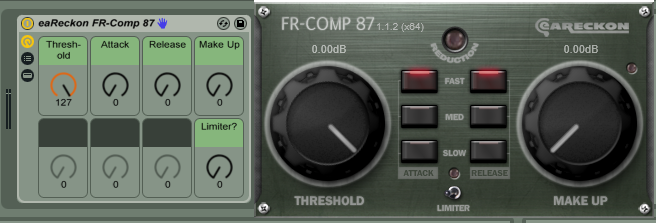
These are “default/template” audio effect racks for many different plugins which are available publicly for free in 64-bit. You simply load any of these Ableton racks, and it loads its corresponding plugin (assuming it’s installed). Each rack includes help text which will be shown when hovering over macro controls.

Most of the plugins we have racks available for have 32-bit and mac versions as well; however, some are 64-bit or windows-only. Mac-only and AU plugin racks are planned in the future. FreeVST racks here will be updated occasionally to reflect developer updates. If you know of a free vst developer we missed or encounter any issues, please leave a comment.

ABLETON LIVE 9.6 required (Intro, Suite, or Standard).
Yes, you can even use all of these racks with Live 9 Intro!

Continue reading

AfroDJMac Special Zone Collab Pack

Special Zone

Special Zone

As you may have noticed, i have random ideas all the time. It’s just a matter of finding the physical time to implement them. One idea i had which didn’t take super long to implement was to make effects based on the Special Zone (aka “Special World”, “Star World”) levels from Super Mario World on the Super Nintendo. I grew up playing and loving NES and SNES and so get all predictably nostalgic over such things, as many people in my age range tend to (thus the almost-nauseating overpopularity of 8-bit retro throwback stuff currently).
I tossed the idea of effects based on the “special zone” levels at AfroDJMac to see what he thought, knowing that he’s somewhat into retro video game stuff too.

One thing led to another and another and… well, just that one thing, actually. It was pretty straightforward.

So now you have The Special Zone Pack for Ableton Live. <- Click that to go to AfroDJmac’s site to read about / grab.

Bodacious.

Super, super huge thanks to AfroDJMac for hosting this pack! If you browse around his site, you will find a near-limitless supply of amazing, weird goodies.


New Free Microcassette Tape Instruments

20160604_162304
SO my friend mobdividual lent me a couple of microcassette players in order to import an old microcassette tape i found. It turns out the cassette was the very same used to record samples on this classic record. Neato!
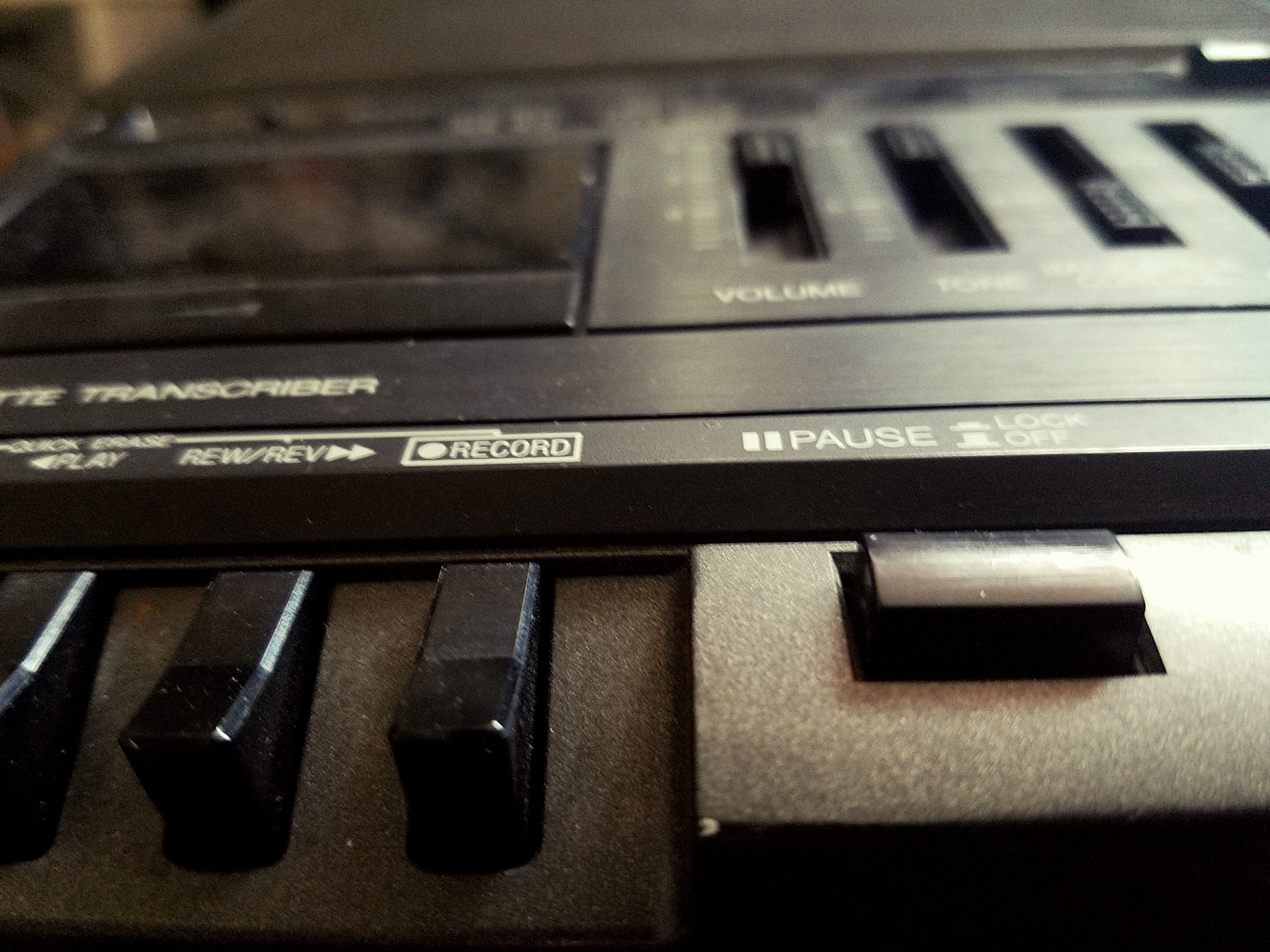
BUT THEN i decided to also record the sound made when the tape player was playing a blank tape through the larger tape transcriber. It’s a nice, warm, rich, subtle hiss and hum. By varying the tone and speed controls in a methodical, timed manner, and crafting a sampler rack to play slices according to their timbre, you have a variable instrument you can use to recreate a range of tonalities. For extra swag, you could, for example, match the root note of the hum (by ear) to the key of your song.
I also created an instrument which plays in-pitch with whatever MIDI note you play, allowing for tape noise which follows a melody, hybridizing past/analog and future/digital techniques.
Lastly, there is a “stop clicker” percussion rack which can be used for nice analog clicking noises when you need them.

These instruments are available absolutely for free via Subaqueous, who also makes a vast assortment of mysterious and useful Ableton Live tools, from MIDI tools for compositional purposes to crafty effects and exotic instruments, as well as some deliciously tasty music.

Grab three microcassette tape instruments for Ableton Live 9 for FREE via Subaqueous.


“Drum MIDI FX” Free Pack

Grab Drum MIDI FX for FREE here: https://drive.google.com/file/d/1MZEMt6VdYTbOSjlict3ylL29YqGY3WaG/view?usp=sharing

It includes a handful of midi racks which are specifically designed for use before drum racks in Ableton Live.
Especially fun stuff for live performance if you like to play drum racks with a midi pad controller.
Also very useful for hastening studio production workflow.
Click the image below to learn all the details of the specific devices and to grab the pack.
Many thanks to Subdivizion for originally hosting. Enjoy!

Drum MIDI FX - Copy

p.s. don’t forget to subscribe to this blog to receive email updates when new items come out. We try to keep posts to Ableton pack related stuff & very special news only. Also don’t forget to subscribe to the isotonik studios newsletter to get even more exclusive free performodule packs.

Vinyl Snackler


NEW free pack available via AfroDJMac: Vinyl Snackler
“Instrument with 128 Unique Analog Vinyl Noise Loop Samples.”

This is a sampler instrument which is designed to play a loop of background vinyl noise which you can select from 128 unique samples, each with their own character. Some of the samples are primarily background hiss, but some also have pops, clicks, and other artifacts which can be useful as percussion elements. Big thanks to the one and only AfroDJMac for hosting this device.
afrodjmac vinyl snackler
(It’s free! Go grab it!!)

PS…. if you are not already a member of the ADM Music Production Club, then you are missing out on a crazy-affordable source of insanely cool, high-quality, monthly awesome stuff delivered to your face. If you are interested in steadily building up your ableton library full of production and performance assets to be able to more quickly dive in to making your own bizarre unique sounds and developing your own twisted techniques, this is one of the most practical possible methods you can consider, especially if you’re a fan of the more odd and innovative side of things (which, if you’re reading this here now, i’m guessing you probably are).

Free “Emphasizers” Racks

emphasizers image

Now updated for Live 11!

Click to Get Emphasized.

Control any audio effect with more precision than ever before.
Drop any nonlinear FX plugins into them and have the ability to alter the signal they are reacting to.

Includes:

•In~Out
Provides basic input gain, compensated by an opposite amount of output level. Super simple and super useful for fine-tuning any nonlinear effect. For example, use it on a saturator to make that saturator drive harder or softer, expanding its usual working range. Same idea for any threshold-based effect like a compressor — you can use In~Out to fine-tune the onset or expand the range of any built-in threshold.

•Emphasizer
•Emphasizer (LR)
•Emphasizer (MS)
•Emphasizer (Dual Shelf)
Boost a certain frequency or frequencies to hit nonlinear FX differently, output-compensated by exactly opposite curvature, leading to a totally neutral sound (other than the reactivity of the dropped-in FX).
For example, you could push more midrange (say…2.5kHz) into a saturator, without directly affecting the overall clip gain. This greatly expands the capability of normally non-adjustable distortion processors by a great deal, if you think about it. Want to crunch up only the highs or the bass more than other frequencies? Go for it. It’s especially great for guitar distortion and amp plugins whose tone controls tend to be quite limited.
Same for compressors and the like. You can make a compressor plugin that has no built-in sidechain EQ effectively have one. Effin’ sweet. Think about gating and noise reduction. Preserve certain frequencies by boosting them in the sidechain, or ignore frequencies you don’t care about.

~`~

(inspired by this excellent tutorial video by Dan Worrall)

Have with the funs!