New Years 2023 Freebie: “Introspection” Pack.

Effect Racks for Live Intro.

‎‏‏‎ ‎‏‏‎‎‏‏‎ ‎‏‏‎ ‎ ‎Since my son has now acquired Ableton Live 11 Intro, I thought it would be interesting to make a pack of effects that utilize only effects native to that iteration of the software. These include Audio Effect Rack, Auto Filter, Auto Pan, Beat Repeat, Channel EQ, Chorus-Ensemble, Compressor, Delay, EQ Three, Erosion, Gate, Grain Delay, LFO, Limiter, Looper, Phaser-Flanger, Redux, Reverb, Saturator, Tuner, and Utility. This is no paltry collection to smirk at! Quite a range of possibilities. But also — a nice change of pace, being arbitrarily limited in options according to what I am used to as a rack craftor. I saw it as an exciting challenge. At the end, I’m super proud of what I’ve come up with. Methinks I’ll definitely be using these racks in the full version of Live 11 Suite aplenty moving forwards.

~`~

-> Download the Introspection pack for Ableton Live Intro, Standard, or Suite <-

(or acquire via Gumroad if you prefer).

Read about the process of the device creation below.


Continue reading

Free Loudness Meter VSTs

“WTF are Loudness Units?” you may ask. Well, they are simply a measure of loudness, just like decibels.
One LU actually is equivalent to one dB. However, an important difference is that Loudness Units are “shaped” according to the human ear’s proclivity to hear certain frequencies more easily than others. Effectively, LUs tend to feel more consistent to our brains than dB will when measuring varying frequency content, and therefore LU meters are preferable to use (compared to, say, RMS meters) for assessing the overall loudness of music.

Below are shown six free LU (aka Loudness Unit) meters, listing features of each. The most important value when matching the loudness of songs is IL (Integrated Loudness), which is the average loudness over the entire course of given time (with very quiet material gated out).

These devices are available as VST effect plugins for any capable VST host (such as Ableton Live, for example).

~`~

Continue reading

Dither Presets for Metal

(intro)

It’s a set of free presets for Dither, optimized for the Metal genre.

They were made for the mastering of the upcoming metal album, Lust & Insecurity by Animus Invidious.

Noise-shaping dither algorithms are theoretically optimized to “bury” the noise in the frequencies you hear least, while avoiding so much in the preeminent tonalities (in this case, distorted electric guitars focused around 2.5kHz).

Download

You can DOWNLOAD HERE and open the .fxp presets using your DAW of choice. If you happen to use Ableton Live 11, you can additionally access the .adg Racks which allow for more easy snapping-to or fine-tuning of the intensity value.

⚠️ You are also going to need to grab the free TB_Dither_v3 VST2 plugin if you don’t have it already, which has been graciously set free amongst a slew of other awesome legacy TB plugins.

Continue reading

Ten More Youtube Channels Worth Subscribing To

Aaron Holstein

I met Aaron Holstein (aka VibeSquaD aka Backpact aka the bassist/keyboardist from Zilla) at the 2007 Sonic Bloom festival in Colorado, where my wife Lore and i were supplying coffee and tea backstage for the artists. I remember chatting with them after their awesome set with Sporque (one of my favorite live acts to dance to ever which also had Ooah from the Glitch Mob on beats and Jamie Janover on percussion), wherein i mentioned noticing that a certain bass synth note they kept hitting happened to resonate with the stage, causing this extra delicious rattle. “It was a C sharp!” Aaron told me later backstage. I’ll always remember that.

Continue reading

Parallel-Friendly Native FX Racks for Live 10+: “ParallAux”

Which Effects Work Best In Parallel?

So one day i got it in my head to figure out which of Ableton Live’s Effects are the best to use in parallel.

What is the criteria for this? Simply, which processes alter the phase of audio passing through them, either to the least degree, or in a nicely summable way.

Why does this matter? Because phase offsets, when summed in parallel with the original signal, will inevitably cause changes to the frequency contour. Sometimes slight amounts of this phase offset can add a nice creamy touch to the sound of things (and pretty much all analog gear causes it to some degree), but when being surgically technical like during the finalizing stages of a track, they are generally just not helpful.

An example of not altering phase at all is Live’s Compressor effect which is phase-neutral; it can be used safely in parallel with no unwanted frequency coloration whatsoever.

An example of altering the phase in a “nicely summable” way is Live’s Reverb. Technically, it’s altering the phase a whole bunch, but it’s doing so in a time-smeared fashion which results in far less likelihood of perfectly-lined-up frequency cancellations, and so, when at 100% wet, reverbs can be just fine to use in parallel, and are often preferred this way.

After carefully checking the phase response of all of Ableton Live Ten’s native Audio Effects, i came up with five distinct racks providing combinations of the most parallel-friendly native effects, optimized for specific purposes with maximal versatility of application.

~`~

>Check Out ParallAux via Isotonik Studios<

>Download ParallAux PDF Manual<

Continue reading

Free M30 Reverb IRs

THE LEGACY of the M30

Here’s a bunch of Reverb IRs for you, sampled from the unobtainable TC M30 Plugin.
I believe that plugin was one of the very first VSTs i ever grabbed after i started getting into Ableton Live. I remember it being some sort of time-limited temporary free offer. After years of not thinking about it, i recently realized i still had a working 32-bit copy of the plugin, and so took some IR snapshots of it, because why not.


>>> DOWNLOAD M30 IRs <<<

Continue reading

Repurposing Bad Controller Knobs

Improvisational Optimization

It’s always been more of my mentality to try to figure out how to make optimal use of what i have on hand — even when flawed — than to try to find immediate replacements… from using a TI-83 calculator to code as a teenager (since that’s what i had access to), to learning how to mic two small guitar amps to sound amazing rather than try to buy bigger amps which i didn’t have space to store. Whether or not this is the optimal way to be, it’s been pretty ingrained in me over a lifetime of dealing with less-than-ideal equipment and environs, figuring out how to increase functionality past apparent limitations, and squeezing every drop of valuable usage i could garner out of existing gear.

~`~

Bad Encoders!

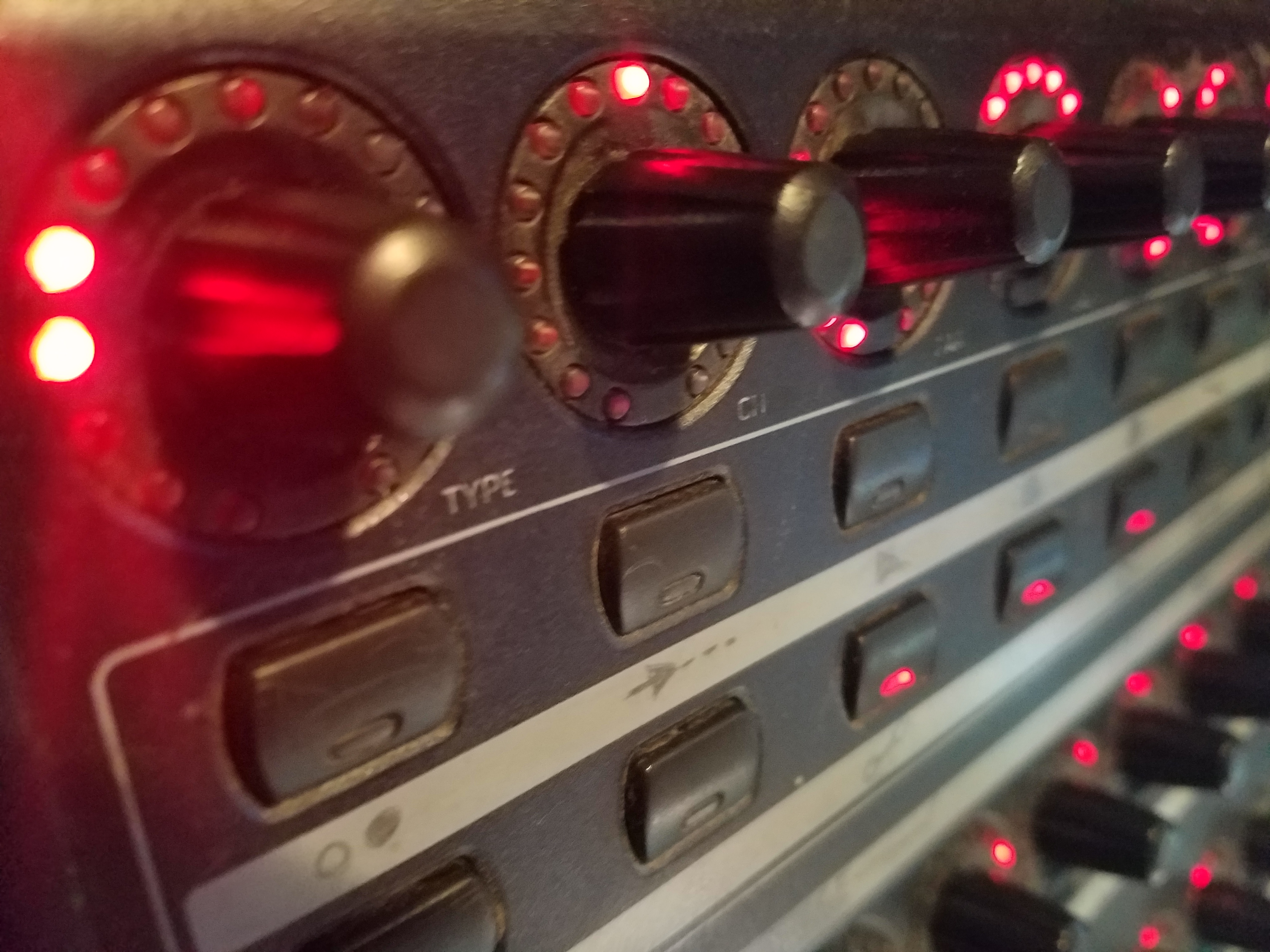
This BCR-2000 MIDI Controller i have happens to have a top row of encoder knobs which act all wonky, sending out their values all slow and choppy and making them pretty much unusable as MIDI controls. However, each knob does have a set of LED lights, and it is possible to send messages to those lights to make them move.

By using a couple of MaxForLive devices in Ableton, i have it set up so that the 8 knobs each provide a VU-meter type experience in reaction to whatever’s playing in Ableton Live. Now they aren’t useless! Yay!

Continue reading

Dumb Stupid Tip: Faster Right-Clicking

OK, so you know when you right-click on something to open up a context menu?
And then you move the mouse cursor to the item you want, and then you left-click the option you want?

Well, there is a way to do it a tiny bit faster. Maybe you already do it.

I found myself picking up the habit due to right-clicking to change macro colours so often. By saving a tiny little bit of time multiplied by a whole bunch of iterations, one can end up saving a substantial amount of time. Anything that streamlines workflow is useful, right?

So here’s the tip: Right Click and Release

WTF?

Instead of doing this:
right-click -> move mouse -> left click

Do this:
right-click (hold it down) -> move mouse -> release right-click

Doing this implements the menu option (in Ableton Live at least — not in all programs) with a single mouse click instead of with two mouse clicks, thereby saving you a precious minuscule quantity of milliseconds. For example, if you had to select a hundred boring context menu options, you’d be performing one hundred clicks, instead of two hundred.  Brilliant!

This trick does not work in all programs, but it does in Ableton Live, at least.

So yeah.

NOTE: if following this methodology, make sure that your index finger gets some extra exercise to compensate for its less active role going forward. I recommend angry pointing.

Dry / Wet Anomalies of a few Ableton Live Effects

Often, plugins will cause an effect they don’t tell you about, and you may not realize is occurring.

Knowing exactly what is happening to audio is valuable, because otherwise if we set up chains of effects we may think that we are resulting in a more transparent sound than we really are. Subtle changes to sound can stack up and add to quite audible differences—which if we don’t know the sources of may be difficult to diagnose and address.

Here’s an overview of some of the things some of Ableton Live’s stock effects do to sound passing through them, which you may not realize at first. Some of these quirks many of you will have gotten to know by ear already just by using the effects, in which case seeing the analysis graphs can provide some “aha” moments.

Continue reading

“Go-To” Macro Arrangements for 16-Knob Racks in Live 11

Macro Placement Consistency.

~`~ Consistency in parameters assigned to racks is useful, for always being able to grab a certain knob for a certain result. For example, on the 8-knob racks of Live 10 and earlier, for dynamics devices like compressors or gates, i tend to place Attack and Release on Macros 5 and 6.

16 Knobs! Yay! …but also, Uh Oh!

~`~ Live 11 now has the ability to allow up to sixteen macros on a rack, which expands our abilities — but also makes things easier to become sporadic and messy by just mapping whatever, wherever. More knobs means more searching text with eyeballs. So therefore it seems helpful if certain controls are always (or almost always) in the same places.

Continue reading